
By clicking "Use Template", you agree to the Terms of Service and Privacy Notice
To automate processes in Google Sheets, you can start by using built-in features like macros and functions to streamline repetitive tasks. This allows you to simplify data entry, calculations, and formatting with just a few clicks. Furthermore, if you seek more robust automation, consider using airSlate's document automation platform. It integrates seamlessly with Google Sheets, enabling your organization to create efficient workflows that reduce manual effort and increase accuracy across your teams. With airSlate, you can focus on what truly matters while enhancing your productivity.
To create a workflow chart in Google Sheets, start by opening a new spreadsheet. Use the "Insert" menu to add shapes, such as rectangles and arrows, to represent different steps and connections in your workflow. As you place these shapes, label them clearly to indicate each task or decision point. Finally, you can adjust the layout for clarity and aesthetic appeal, ensuring it effectively communicates your process. If you require more advanced features for automating document workflows, consider using airSlate, which provides streamlined solutions for organizations looking to enhance efficiency and collaboration.
Yes, Google provides a workflow tool called Google Workspace, which includes applications like Google Docs, Sheets, and Drive. These tools help teams collaborate, organize, and manage their tasks effectively. However, if you seek a more comprehensive solution for document automation and workflows, consider airSlate. This platform excels in streamlining processes, allowing organizations to automate routine tasks and focus on what truly matters for their business.
To automate a workflow in Google Sheets, start by organizing your data and identifying repetitive tasks. You can use Google Apps Script to create custom functions and automate these tasks without much hassle. Alternatively, consider airSlate, a powerful document automation platform that allows businesses to streamline their workflows efficiently. By integrating airSlate, you can enhance productivity and ensure your processes run smoothly, freeing up your time for more critical projects.
To create a flexi timesheet in Excel, start by opening a new spreadsheet and setting up columns for the date, hours worked, break times, and any notes. Next, use formulas to calculate total hours automatically, ensuring you account for different shifts or part-time work. You can also format the sheet to make it visually appealing and easy to use. If you want a more efficient solution for managing timesheets and workflows, consider using airSlate’s automation tools, which simplify document management and enhance collaboration within your organization.
To create an automated schedule in Google Sheets, start by opening a new or existing sheet. Use formulas like `=TODAY()` or `=NOW()` to track dates and times dynamically. Next, set up conditional formatting to highlight important dates or tasks. If you want a more streamlined solution, consider using the airSlate document automation platform, which can help you automate the entire scheduling process, manage workflows, and enhance collaboration within your organization.
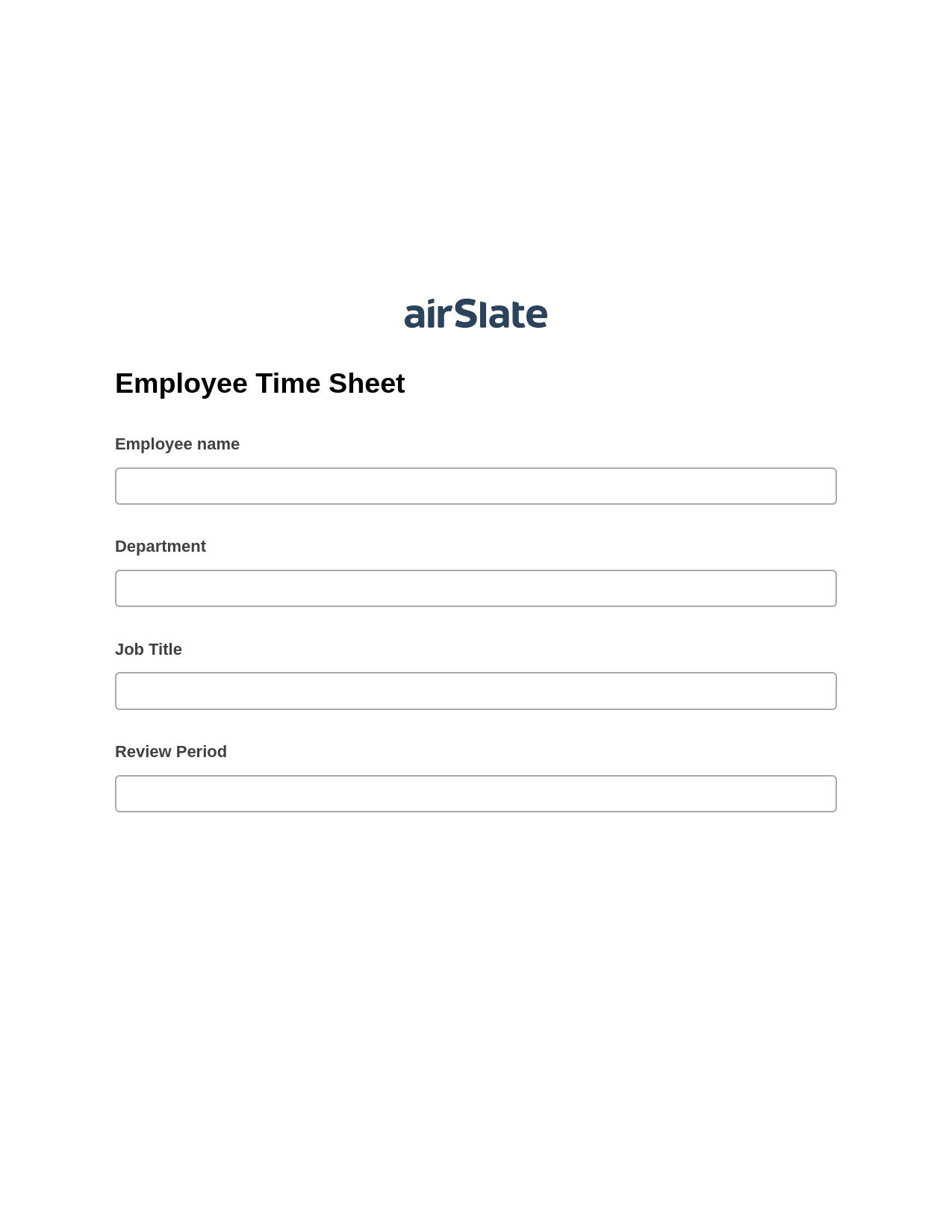
Every HR team knows the weight of burdensome and obsolete manual tasks. They often involve manual information gathering, error checking, and data transferring between third-party solutions. If you still haven’t adopted a perfect all-in-one solution, airSlate comes to your rescue. With Multirole Employee Time Sheet Pre-fill from another Flow Bot, Create flow addon, Export to Google Sheet Bot, you can easily automate your workflow from beginning to end, setting up Automation and Integration Bots that do all manual work for you. Automation in HR can significantly improve your business in the following ways:
Streamline your most routine HR tasks without breaking a sweat, from managing your staff’s performance to interviewing, employee onboarding, and monthly planning. Find or create customizable Templates for frequently used workflows, including Multirole Employee Time Sheet Pre-fill from another Flow Bot, Create flow addon, Export to Google Sheet Bot. Let your Human Resource team focus on more relevant tasks and maximize their efficiency with airSlate.